- Mark as New
- Subscribe to RSS Feed
- Permalink
06-14-2026 09:20 PM (Last edited 06-14-2026 09:20 PM ) in
Galaxy A
- Mark as New
- Subscribe to RSS Feed
- Permalink
06-14-2026 09:32 PM in
Galaxy A
- Mark as New
- Subscribe to RSS Feed
- Permalink
06-14-2026 09:39 PM in
Galaxy A
 cs_member10
- Mark as New
- Subscribe to RSS Feed
- Permalink
06-15-2026 03:25 PM in
Galaxy ADear Samsung Member,
Greetings from Samsung Customer Support!
We regret to hear about your experience with our product. Please believe that this is not a usual occurrence.
Please perform the below-mentioned troubleshooting steps, these may help in resolving your concern.
Note: Kindly use genuine Samsung charger.
1.Disable auto restart function, there are two methods to disable auto restart function:
Settings > General management > Reset > Disable Auto restart (if enabled).
If the issue has not been resolved, then follow;
2.If you are facing this issue after installing any new application, then uninstall that application:
Settings > Apps > desired app > Uninstall > OK.
3.If the issue still persists, then reset the settings: Go to Settings > General Management > Tap on Reset > Tap on Reset settings.
4.If the issue is still not been resolved, Reset the device:
IMPORTANT:
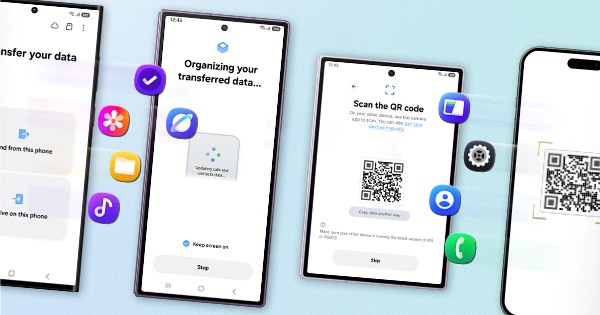
• Kindly create data backup of your device via SMART switch mobile application or http://www.samsung.com/in/support/smartswitch pc suite.
• Remember google password before resetting the device because it is required during initial setup.
• If you do not remember it, then reset (Forgot password) your google account.
• For this:
• Open Gmail (https://accounts.google.com/servicelogin) > forgot password >Select ""try another way"" > Next > Enter a new password > Next
Please follow the below steps to reset the device:
Settings > General Management > Reset > Temporary cloud backup or External storage backup > tab on Factory data reset (This will erase all data, including files and downloaded apps)
If the issue still persists, after performing all troubleshooting steps, would request you to please visit the service center. Below is the link to find nearest service center
http://www.samsung.com/in/support/servicelocation/
Warm Regards,
Samsung Customer Support